

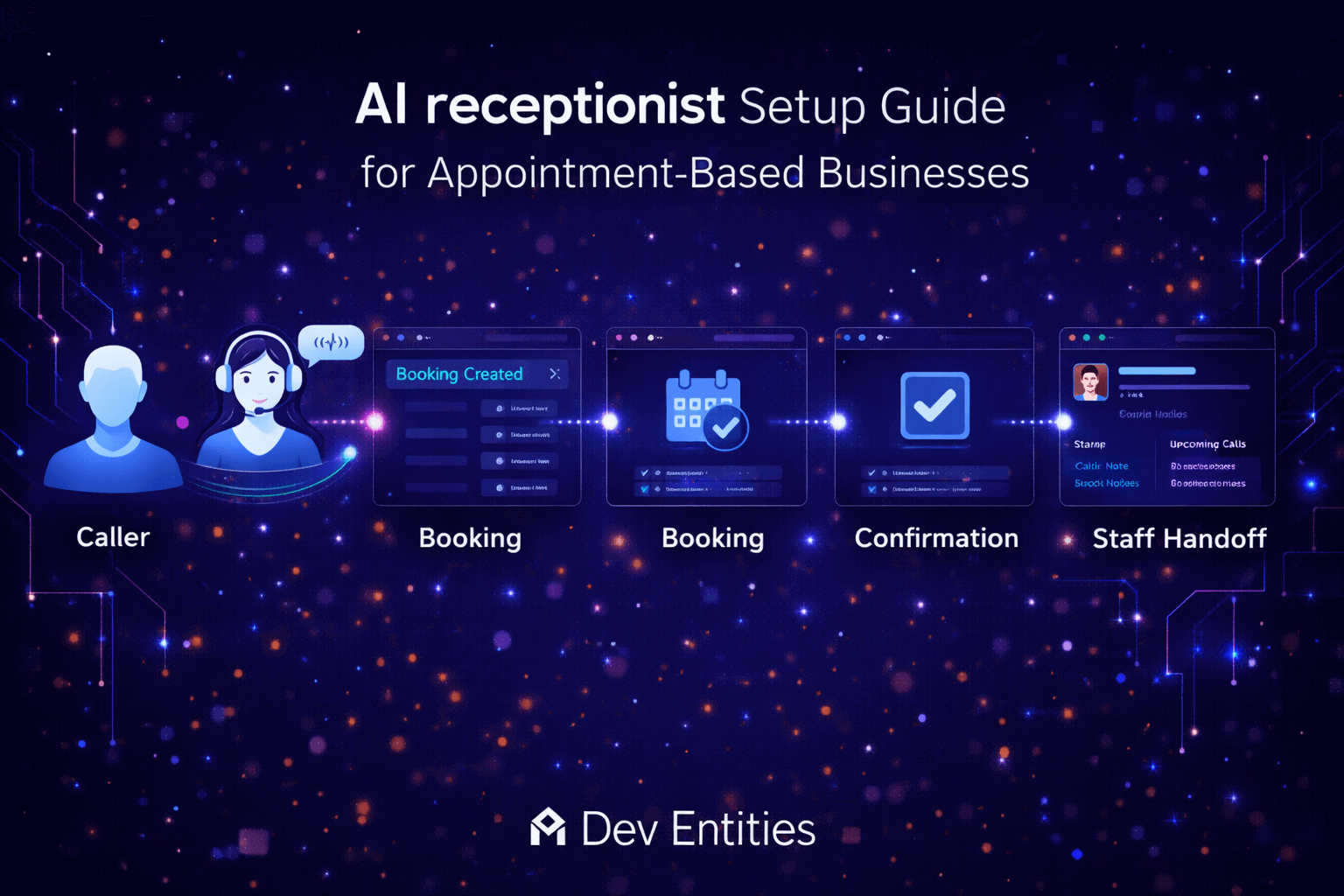
Missed calls, inconsistent call handling, and slow follow-ups can quietly reduce bookings for appointment based businesses. An AI receptionist setup guide helps businesses create a more reliable call flow that answers faster, books more accurately, and hands off to staff when needed. In this guide, we explain how to structure the rollout, which systems need to connect, what mistakes to avoid, and how to measure whether the system is actually improving business performance.
Why appointment based businesses need an AI receptionist setup guide
Most businesses do not struggle because customers stop calling. They struggle because calls come in during busy hours, after business hours, or at moments when staff cannot respond fast enough.
That creates familiar problems:
- missed new bookings
- inconsistent answers from team members
- delayed follow-up
- poor after-hours coverage
- lost leads that never return
A voice system can solve this, but only when the rollout is designed around actual business workflows. Without structure, teams often automate the wrong calls, connect weak scheduling logic, or create a frustrating handoff experience. Businesses exploring voice automation in more detail can also review our contact page to discuss a tailored rollout with Dev Entities
AI receptionist setup guide: the 4 part rollout framework
A practical rollout becomes much easier when the work is divided into four clear layers. Teams that follow this order usually reach production faster and avoid the most common setup problems.
1. Map the top call intents
Start by identifying the main reasons customers call. Most front desk teams already know the top patterns from daily operations.
Typical call intents include:
- book a new appointment
- reschedule an appointment
- cancel an appointment
- ask about pricing or availability
- confirm hours, address, or business details
- request urgent help
- ask to speak with a person
This step matters because it defines the structure of the whole experience. If call intents are vague, the assistant will struggle to respond accurately or route properly.
2. Connect the right systems
The assistant is only one part of the experience. The real value comes from how well it connects to the tools your team already uses.
2. Connect the right systems
The assistant is only one part of the experience. The real value comes from how well it connects to the tools your team already uses.
| System | Purpose | Why it matters |
|---|---|---|
| Phone platform | Handles inbound and outbound calls | Controls routing, transfers, and call events |
| Booking or calendar tool | Creates and updates appointments | Prevents manual scheduling and double booking |
| CRM or lead capture tool | Stores caller details and outcomes | Keeps follow-up organized |
| Human handoff path | Transfers or escalates when needed | Protects service quality and trust |
Google Business Profile also supports appointment and business links, which is useful when aligning phone-based booking with local search visibility.
https://support.google.com/business/answer/6218037
For teams building a programmable voice workflow, Twilio’s official Voice documentation is a strong reference point for call flow capabilities.
https://www.twilio.com/docs/voice
3. Define business rules before prompts
One of the biggest rollout mistakes is spending too much time on prompts before the business rules are stable.
A better sequence looks like this:
- define approved answers
- define booking rules
- define operating hours
- define escalation triggers
- define edge case handling
- then write prompts around those rules
This keeps the assistant grounded in real operational logic instead of surface-level conversation quality.
4. Launch with a narrow scope
Do not automate every call type on day one. The best launches start with a small, high-volume use case and then expand after reviewing real conversations.
A smart first release often includes:
- new appointment booking
- hours and location questions
- simple rescheduling
- human transfer for uncertain cases
For a broader comparison before rollout, read our related article on AI voice receptionist vs IVR
Dev Entities is a US based software services company that helps businesses design and deploy production-ready AI voice systems. We build structured booking flows, escalation logic, and reporting layers that make voice AI useful in real operations.
A simple rollout plan teams can follow
A staged rollout lowers risk and makes it easier to improve system quality before full deployment.
Week 1: design the workflow
Define call intents, booking rules, approved answers, and escalation criteria. This is where the operational blueprint is created.
Week 2: connect systems and test internally
Integrate the phone layer, booking system, CRM, and fallback routing. Run internal test calls to catch logic gaps early.
Week 3: launch during controlled hours
Release the assistant during selected hours or for limited call types. Review real interactions and identify where handoffs, prompts, or booking logic need improvement.
Week 4: expand and measure performance
Once call quality is stable, expand availability and begin monitoring business outcomes more closely.
| Phase | Main goal | Output |
|---|---|---|
| Week 1 | Define workflow and rules | Call map and approved logic |
| Week 2 | Connect systems and QA | Test environment and internal validation |
| Week 3 | Controlled release | Real call review and iteration |
| Week 4 | Expand coverage | Production rollout with reporting |
Common mistakes that hurt performance
Even good tools fail when rollout discipline is weak. These are the most common mistakes teams should avoid.
Automating too much too early
Fix: Start with one or two high-volume call types and expand only after reviewing real usage.
Giving the assistant too much freedom
Fix: Use bounded responses, approved business rules, and clear escalation thresholds.
Ignoring human handoff design
Fix: Every important path should include transfer, callback, or message-based escalation to staff.
Skipping booking edge cases
Fix: Test time zones, blackout dates, duplicate bookings, cancellation rules, and reschedule windows before launch.
Measuring call volume instead of outcomes
Fix: Focus on bookings completed, missed calls recovered, successful handoffs, and response accuracy.
What to measure after an AI receptionist setup guide goes live
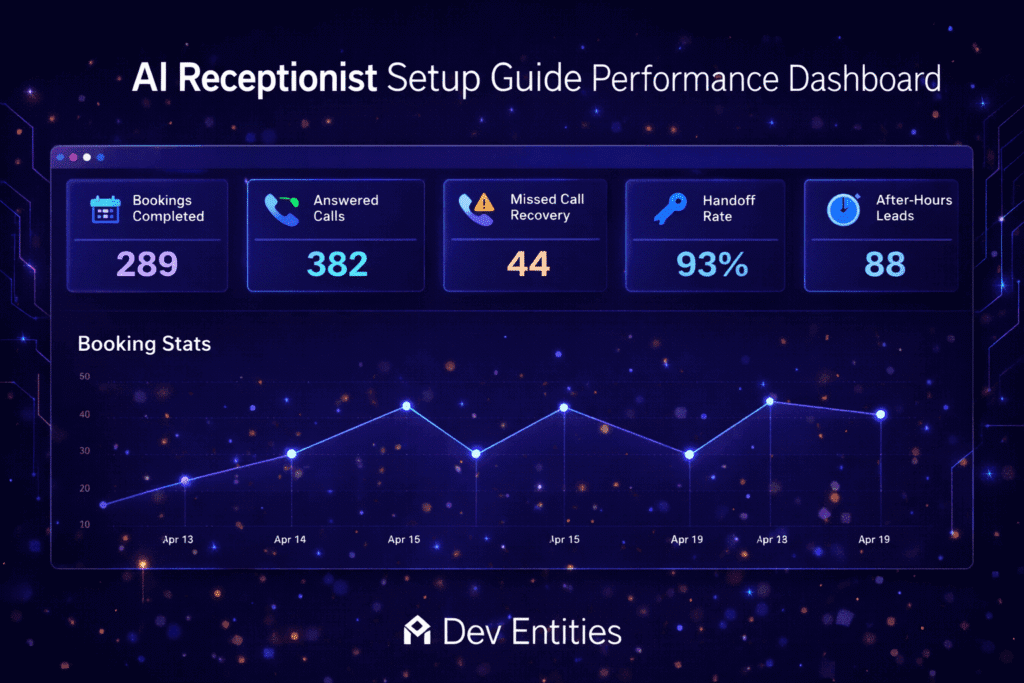
A strong AI receptionist setup guide should end with a reporting model, because launch quality is only one part of the picture. The business still needs to know whether the system is creating real operational improvement.
Track these metrics weekly:
- call answer rate
- booking completion rate
- transfer to human rate
- missed call recovery rate
- after-hours lead capture
- failed booking attempts
- caller satisfaction or complaint patterns
This kind of reporting makes it much easier to decide whether the assistant should expand into new call types or stay limited.
Google also recommends creating helpful, people-first systems and content that clearly serve user needs, which is a useful principle for both search content and customer-facing automation design.
https://developers.google.com/search/docs/fundamentals/creating-helpful-content
Final checklist before going live
Before launch, confirm that the following are fully in place:
- top call intents are mapped
- booking and rescheduling rules are tested
- business hours and exceptions are configured
- human escalation paths are available
- caller details are captured in a central system
- internal QA calls have been reviewed
- weekly reporting is ready from day one

Final thoughts
The value of an AI receptionist is not just answering calls faster. The real value comes from building a system that supports booking, routing, and customer experience in a way that fits the business.
A structured rollout helps teams avoid wasted effort, poor automation choices, and inconsistent customer interactions. When the logic is clear, the integrations are solid, and the reporting is in place, voice AI becomes much easier to trust and scale.
For businesses still deciding between different call automation approaches, our article on AI voice receptionist vs IVR is a useful next read.
Dev Entities is a US based software services company that helps businesses turn voice AI into a dependable operational system. We design booking flows, escalation paths, and system integrations that support real business outcomes instead of surface-level automation. Book a Free Consultation